Podcast Clips for Social Media: Turn One Episode Into Weeks of Content
You just recorded a great episode. The conversation flowed, your guest said something sharp, and you know it deserves more than a few hundred plays. Then it goes live, gets a quick bump, and fades. That's where podcast clips for social media come in. A handful of short, vertical videos pulled from your best moments can keep one episode working for weeks.
This guide covers what makes a clip worth posting, how to spot the right moments, how to plan clips before you record, and when it makes sense to hand the editing to a team.
What are podcast clips for social media?
Podcast clips for social media are short videos cut from a full episode and formatted for phones. They usually run 20 to 45 seconds, use vertical 9:16 framing, and carry captions so people can follow along with the sound off. Each clip highlights one idea, story, or reaction that makes viewers want the full episode.
Think of each clip as a trailer for one moment, not a summary of the whole show. Instagram Reels, TikTok, and YouTube Shorts all favor vertical video, so a clip built for those feeds starts with an edge over a sideways screen grab. If you want to see how YouTube treats short vertical uploads, the YouTube Shorts help page lays out the basics.
Why do short-form clips help a podcast grow?
Short-form clips help because they meet new listeners where they already scroll. Most people won't press play on a 60-minute episode from someone they've never heard of. They will watch 30 seconds of a strong opinion or a funny story, and some of them will follow you to the full show.
Clips also stretch the work you already did. You booked the room, prepped your guest, and recorded the conversation. Cutting three to five clips from that session gives you a steady stream of posts between episodes, so your feed doesn't go quiet while you plan the next recording.
There's a quieter benefit too. Clips show you what your audience responds to. If one topic keeps getting shares and comments, that's a strong hint for your next episode.
How do you pick the best moments from an episode?
Look for moments that make sense on their own, with no setup needed. A strong opinion, a surprising fact, a personal story, or a laugh between host and guest usually works. If someone needs the previous five minutes to understand it, it probably won't land as a clip.
When you rewatch an episode, keep a short list of timestamps and ask a few questions about each one:
- Does it hook fast? The first two or three seconds should give people a reason to keep watching.
- Is it one clear idea? One point per clip beats three half-finished thoughts.
- Is there emotion? Energy, humor, or real conviction travels better than a dry explanation.
- Does it end cleanly? A clip that stops mid-sentence feels rushed and loses trust.
How can you plan clips before you record?
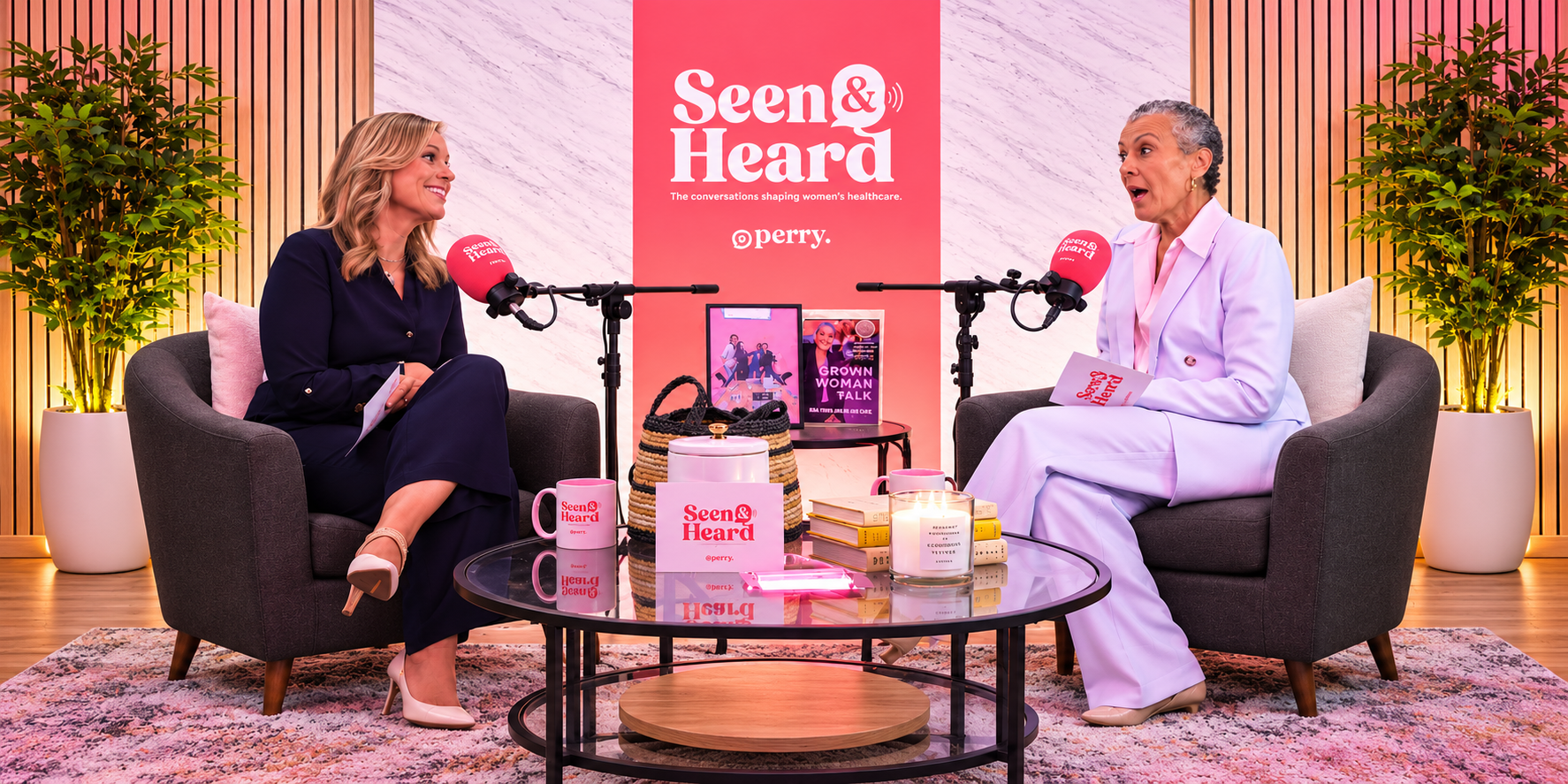
Planning clips starts with the set and the cameras. Multiple angles give an editor room to cut between a wide shot, close-ups, and reactions, which keeps a short clip moving. Good lighting and clean audio matter even more on a phone screen, where every flaw is front and center.
A few habits during the session make clipping easier later:
- Lead with your best questions. Guests are often sharpest early in the conversation.
- Ask for short answers on key points. A tight 30-second answer is far easier to clip than a winding five-minute one.
- Restate the question in the answer. It gives the clip context without the host's audio.
- Keep framing centered. Vertical crops cut off the sides of a wide shot, so stay inside the frame.
If you're still choosing where to record, here's how a podcast studio helps you create better episodes.
Should you edit clips yourself or hire a team?
Edit clips yourself if you have the time, the software, and a good eye for pacing. Hiring a team for short-form video production makes sense when editing starts eating the hours you'd rather spend booking guests and growing your show. Consistent, polished clips posted every week usually matter more than one perfect clip a month.
At HighLife Studios, short-form video production in DC is part of podcast post-production. The team pulls the best moments from your show and formats them for Instagram, TikTok, and YouTube Shorts with vertical 9:16 framing, captions or subtitles, and optional background music.
Clips generally run 20 to 45 seconds, and longer clips are available on request. Video podcast sessions are shot on 3 cinematic 4K camera angles, which gives editors plenty of options for close-ups and reactions.
Clip pricing is listed publicly: the FAQ page shows 3 short-form clips for $150, with one round of revisions included. For the full set of services, see the podcast production page, and read how video editing improves podcast content to see how full-episode editing fits alongside clips.
Ready to get more out of every episode?
Your best moments shouldn't disappear after launch week. Record in Cleveland Park at the Washington DC studio, a two-minute walk from the Red Line, and ask about short-form clips when you book. Call (202) 873-8169 or book your podcast session online. Elevate your sound. Bring your voice to life.
FAQs
How long should podcast clips for social media be?
Most clips work best between 20 and 45 seconds. That is long enough to share one complete idea and short enough to hold attention in a fast feed. Longer clips can work for strong stories, and HighLife Studios offers them on request.
What format should podcast clips use?
Use vertical 9:16 framing, which fits phone screens on Instagram Reels, TikTok, and YouTube Shorts. Add captions or subtitles so viewers can follow along with the sound off. Background music is optional and should never compete with the voices.
How many clips should I make from one episode?
Three to five strong clips per episode is a practical starting point. That gives you several posts between releases without forcing weak moments. Pick quality over volume, since one clear, engaging clip beats five forgettable ones.
How much does short-form clip editing cost at HighLife Studios?
The HighLife Studios FAQ page lists 3 short-form video clips for $150. All post-production services include one round of revisions, and additional revisions are billed at $75 per hour. Check the FAQ page for current rates before you book.
How long does it take to get edited clips back?
Raw audio and video files are delivered right after your session. For editing services, typical turnaround is 5 to 7 business days depending on the scope of work. Plan your posting calendar around that window.
Can I bring my own footage or team for clips?
You can bring your own producer, videographers, or creative team to a session at HighLife Studios. Just let the team know in advance so they can accommodate everyone. Call (202) 873-8169 with questions about your project.
